A POS outage in senior living dining is not only a register problem. It can interrupt the path from a resident's order to the kitchen, obscure dietary-alert handoffs, separate meal-plan or charge records from service, and leave staff unsure which orders will return when connected systems recover.
The need to plan is current. July infrastructure incidents and current restaurant-technology continuity updates show that connected services can become unavailable because of failures outside a dining team's control. Those events do not establish that a particular POS University reader was affected; they reinforce the need to test every dependency.
Offline behavior also varies by system and order channel. A local internet failure, a provider outage, and a connected-partner disruption can produce different results. Teams should document those differences with their own providers instead of assuming that one fallback covers every order, payment, kitchen, resident-account, and reporting path.
Editorial note
This article provides an operational drill framework, not payment, privacy, clinical, legal, cybersecurity, labor, or regulatory advice. Confirm offline capabilities and authorization limits with each provider and follow the community's approved procedures.
Define what “offline” means
“The POS is down” can describe several different failures. The site may have lost internet while local devices still work. The vendor's cloud service may be unavailable. A single terminal, printer, kitchen display, or network segment may have failed. The payment network may be affected while order entry continues. An ordering partner may be unavailable while the core POS remains healthy.
Those cases do not have the same response. The current Toast guidance tells operators to identify whether the local system, internet connection, or a connected partner is offline. Teams should not copy one vendor's behavior to another platform; they should ask their own providers to document the equivalent paths.
Create a one-page dependency map for each venue:
- internet connection and local network;
- POS terminals and local data;
- payment devices and processor;
- kitchen displays, printers, and production routing;
- resident profiles, dietary alerts, meal plans, and charge rules;
- mobile, kiosk, room-service, or online ordering;
- accounting, inventory, and reporting integrations; and
- vendor status pages, support numbers, and escalation owners.
Teams reviewing senior living POS workflows should ask for a diagram of what runs locally, what requires a vendor cloud, and what happens when a connected service is delayed.
Set the minimum safe service
A continuity plan should not begin by promising normal service. Begin by defining the minimum service the team can deliver safely and accurately with the information available.
- Choose the downtime menu and order channel.
- Define how identity and destination are confirmed.
- Preserve approved dietary and service-alert handoffs.
- Assign kitchen receipt, sequencing, and completion.
- Define payment or charge methods that must pause.
- Name exception owners and stop conditions.
The minimum service may use a smaller menu, a single staffed order point, pre-numbered paper tickets, one kitchen expeditor, and a designated runner. It should be simpler than the normal digital workflow.
Do not assume that an offline card transaction, resident charge, meal-plan redemption, discount, tax rule, or stored-value balance is permitted or accurate. Follow provider-approved downtime procedures. If authorization or current account information is unavailable, defer the transaction rather than inventing a workaround.
This approach follows the logic of NIST contingency-planning guidance : determine priorities, develop recovery strategies, document the plan, then test, train, exercise, and maintain it. The publication applies to federal information systems, so its structure is background rather than a restaurant compliance requirement.
Build the manual order path
Use a pre-numbered downtime ticket with only the fields the operation needs: ticket number, date and meal period, venue or delivery zone, approved resident or guest identifier, items and modifiers, dietary-alert confirmation, time sent, kitchen completion, delivery confirmation, exception note, and employee initials.
Keep the form short enough to use during a busy meal. Store blank forms, clipboards, pens, an approved menu, and role cards in a sealed continuity kit. Inventory it during routine manager checks.
The manual path should connect to the existing dietary-alert workflow, not replace it. If staff cannot reach the approved source of dietary information, the procedure must say who verifies the requirement and when the order must pause.
Protect resident information
Use the minimum resident information needed to complete the meal. Do not copy a full profile, diagnosis, room list, account history, or unrelated notes onto a paper ticket.
Number and control the forms. Assign one person to issue and collect them. Keep completed tickets out of public view and store or dispose of records under the community's approved procedure. Record missing ticket numbers and escalate them.
Test each dependency separately
A useful drill does not simply disconnect the internet. Start with a tabletop scenario and record any answer that depends on a person who is absent, an unverified feature, an inaccessible document, or data that may not be current.
Then test approved scenarios in a safe environment:
- local internet unavailable;
- one order-entry device unavailable;
- kitchen display or printer unavailable;
- resident-account or meal-plan lookup unavailable;
- integrated ordering channel unavailable;
- payment authorization unavailable; and
- service restored with delayed records waiting to synchronize.
Do not create a real outage or interrupt resident service without the appropriate technical, operational, and leadership authorization. A tabletop drill can expose most process gaps before a live test.
Plan recovery before the drill
Recovery is where a tidy paper workaround can create duplicate orders, incorrect charges, lost exceptions, and misleading reports.
Choose a recovery lead before the drill. When systems return, that person confirms provider status, freezes new manual tickets at a clear cutoff, counts forms, identifies open orders, and assigns employees to enter or verify records. Normal digital processing resumes only after the handoff is announced to the dining room and kitchen.
Use connected operational reporting only after source records are reconciled. An outage dashboard can be precise and still be wrong if it contains duplicates, missing tickets, or timestamps whose meaning changed during recovery.
Control duplicates and delayed records
Every manual ticket needs a unique identifier. Before entering it, search for an automatically synchronized order using resident or guest identifier, items, amount where applicable, order channel, and approximate time. Do not rely on time alone.
Keep a reconciliation log with ticket number, recovery decision, matched system record, reviewer, timestamp, and exception. Review timestamps carefully so entry time is not mistaken for service time.
Run a short continuity drill
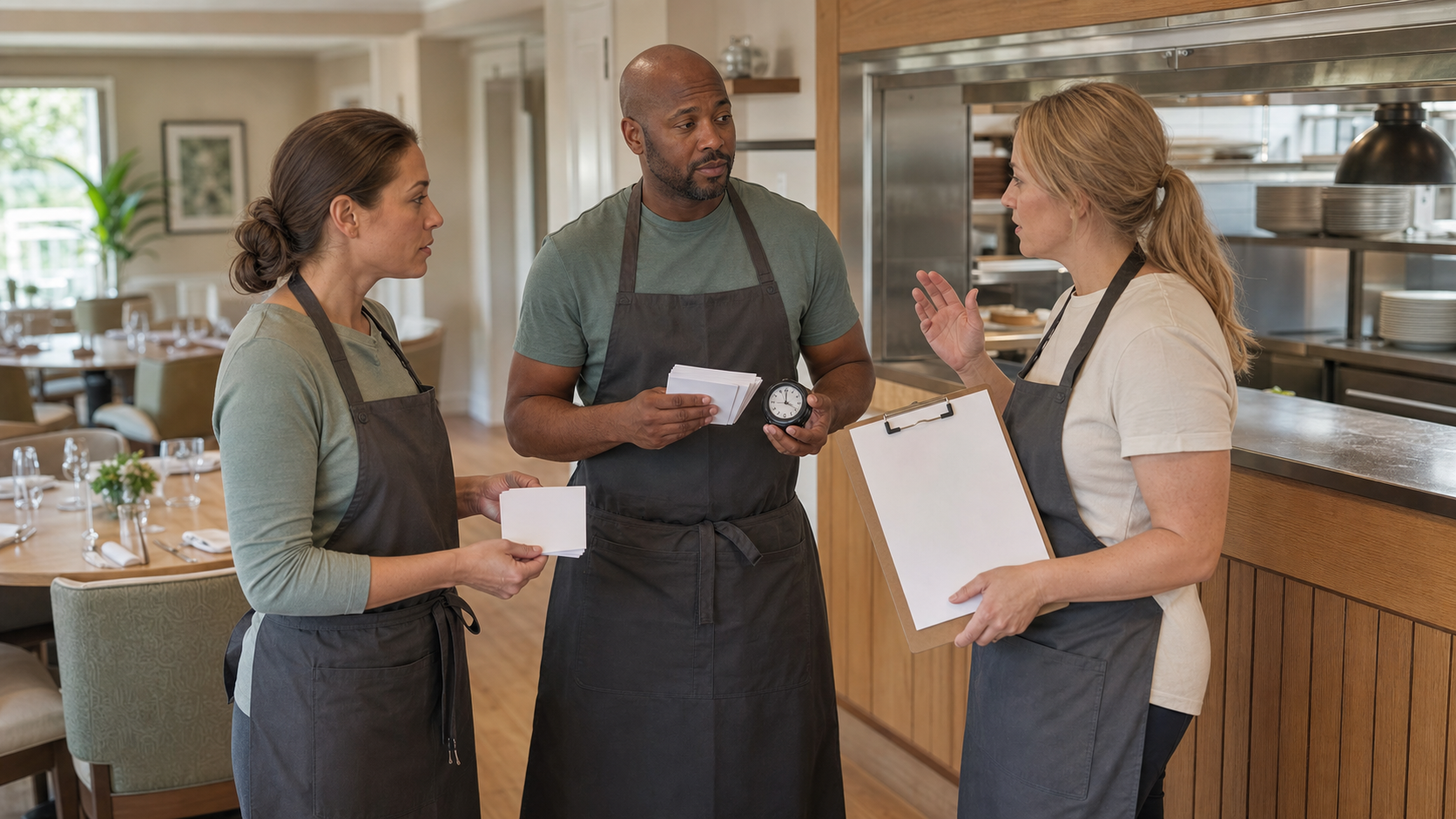
Use a 30- to 45-minute tabletop drill with dining leadership, front-of-house and kitchen staff, IT or support ownership, resident-account or finance ownership, and the person responsible for dietary-alert procedures.
Give the group one venue, one meal period, ten sample orders, two dietary exceptions, one changed destination, one unavailable item, and one delayed digital order that appears during recovery. Process the work with blank training forms, then reconcile it against a mock recovery list.
Observe declaration time, missing information, dietary-alert failures, duplicate or lost tickets, unclear approvals, privacy exposures, communication gaps, reconciliation time, and workarounds staff created.
End with a debrief. Name each gap, owner, due date, and retest condition. This also belongs in an automation readiness playbook: every connected workflow needs a manual fallback and controlled recovery.
Buying and support questions
When teams evaluate a POS system with real service scenarios, include a continuity demonstration. Ask the provider to show which functions continue, how local data is protected, how resident profiles and meal plans behave, what happens to kitchen routing, how connected orders synchronize, how duplicates are identified, and which support channel operates during an incident.
Continuity drill
Workflow checklist
- Map every POS, network, payment, kitchen, and ordering dependency.
- Define the minimum safe menu and service model.
- Verify provider-approved offline and payment procedures.
- Prepare pre-numbered blank downtime tickets and role cards.
- Preserve dietary-alert verification and minimize resident data.
- Name continuity, recovery, and reconciliation owners.
- Test one dependency at a time.
- Include delayed-record and duplicate-check scenarios.
- Reconcile every manual ticket before trusting reports.
- Document gaps, owners, due dates, and retest conditions.
The bottom line
Offline mode is a feature. Continuity is the operating plan around it.
Define the minimum safe service, build a controlled manual order path, preserve dietary-alert and resident-information safeguards, test each dependency, and rehearse recovery. The most important result is whether every meal, exception, account record, and temporary ticket remains understandable from order through reconciliation.
For a related operational view, explore ServingIntel senior living dining POS.